SmartThings - TV Remote Cast
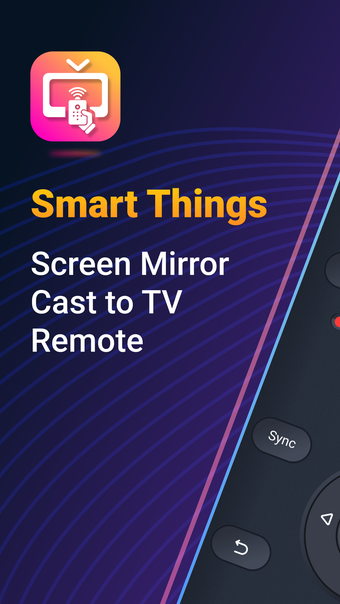
SmartThings - TV Remote Cast is a utility app that allows you to easily connect and control your Smart TV using your iPhone. With this app, you can conveniently switch channels, adjust volume, access settings, and quickly access your favorite apps and channels.
Top Recommended Alternative

One of the main features of SmartThings - TV Remote Cast is its casting capability. You can effortlessly cast and view photos and videos in high-definition from your Gallery directly onto your Smart TV with just a tap of a button on the dedicated "Cast" SmartThings tab. This feature provides a seamless way to enjoy your media on a larger screen.
The app offers an intuitive user interface with all the necessary buttons for full control. It also allows for controlling your Smart TV from any distance as long as both devices are connected to the same WiFi network.
To start mirroring, simply connect your iPhone and your TV to the same WiFi network, open the app, and connect it to your TV. Once connected, you can easily start mirroring on your TV by tapping on the "Start Mirroring" button. To stop mirroring, you can simply tap on the top red bar of your iPhone.
Please note that the app offers a subscription option with different lengths (weekly, monthly, and yearly). The subscription provides access to the full features of the app for the chosen duration. The subscription automatically renews unless auto-renew is turned off at least 24 hours before the end of the current period. More information about the subscription and cancellation can be found in the app's settings.
Overall, SmartThings - TV Remote Cast is a useful utility app for iPhone users who want to conveniently control their Smart TV and enjoy casting media from their Gallery.